Back Office Operations
Back Office AI Automation Is Where the Real Savings Usually Hide
The best SMB AI automation targets are often boring back-office workflows: intake, routing, document handling, status updates, reporting, reconciliation, and follow-up.
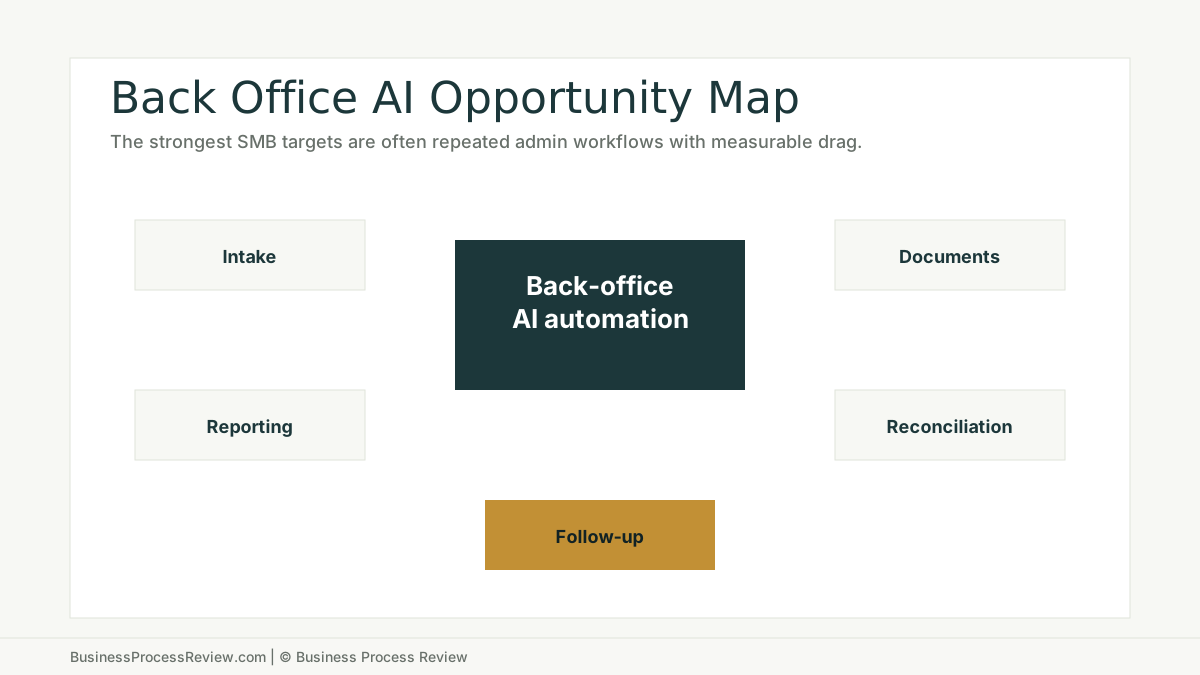
The best AI automation target in your business may not be sales.
It may not be marketing.
It may not be a chatbot on your website.
It may be the boring back-office workflow everyone complains about but nobody owns.
Invoice routing.
Candidate intake.
Customer onboarding.
Report preparation.
Document review.
Status updates.
Reconciliation.
That is where the savings often hide.
The short answer
Back office AI automation is valuable when it reduces repeated administrative work with measurable cost or delay.
Good targets often include:
- intake checks
- document classification
- field extraction
- routing
- reminders
- status updates
- report drafts
- summary creation
- exception flagging
- reconciliation support
Bad targets include unclear processes, risky decisions without review, low-volume tasks, and workflows where the source data cannot be trusted.
Companies chase visible AI first
Visible AI is easy to sell internally.
Sales emails. Marketing copy. Chatbots. Meeting summaries.
These use cases can be useful. They are also easy to overrate because the output is visible.
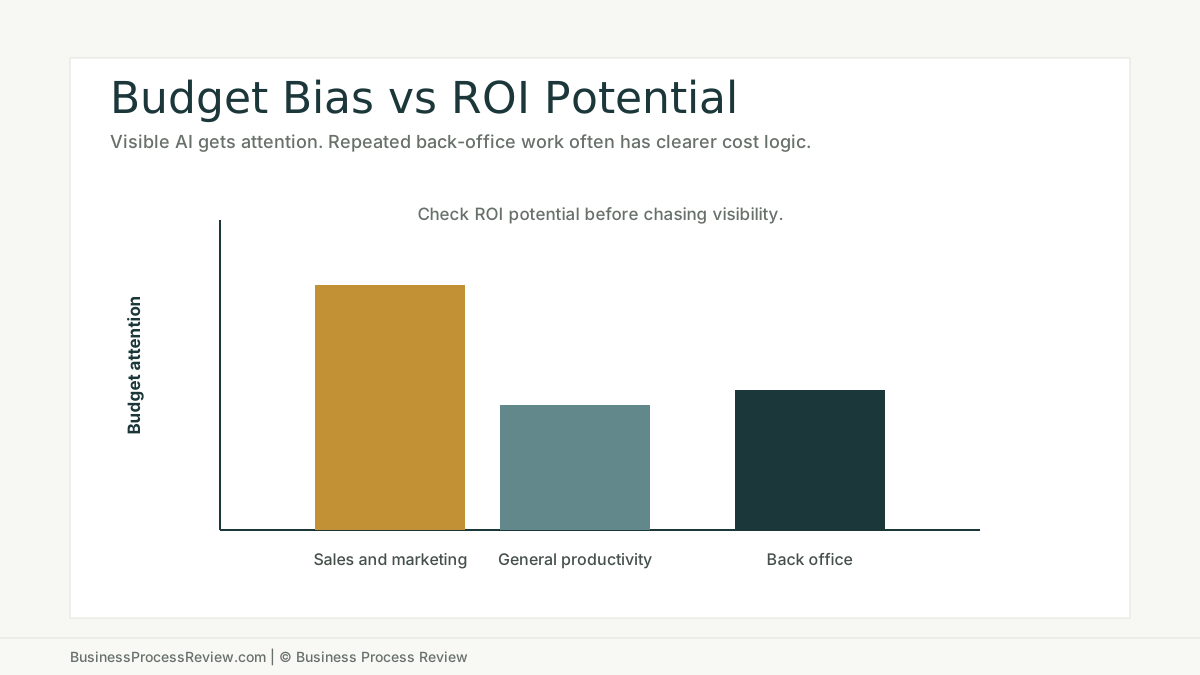
The MIT NANDA State of AI in Business 2025 report identifies an investment bias toward visible top-line functions over high-ROI back-office work. It also notes that higher-performing organizations reported savings from reduced external agency and business process outsourcing spend, especially in back-office operations.
The lesson for SMBs is simple.
Do not choose the flashiest AI use case first.
Choose the workflow where repeated friction is already costing time.
Why back-office workflows are strong candidates
Back-office work often has the traits automation needs.
It repeats.
It uses documents.
It depends on fields.
It has handoffs.
It creates status questions.
It creates rework when intake is weak.
It often has a measurable before and after.
That does not mean every back-office task should be automated. It means these workflows deserve review before the company spends time on vague AI ideas.
The labor cost is real
The U.S. Bureau of Labor Statistics reported that private industry employer compensation costs averaged $46.15 per hour worked in December 2025. BLS also reported that the median annual wage for secretaries and administrative assistants was $47,460 in May 2024.
Your company should use its own payroll data.
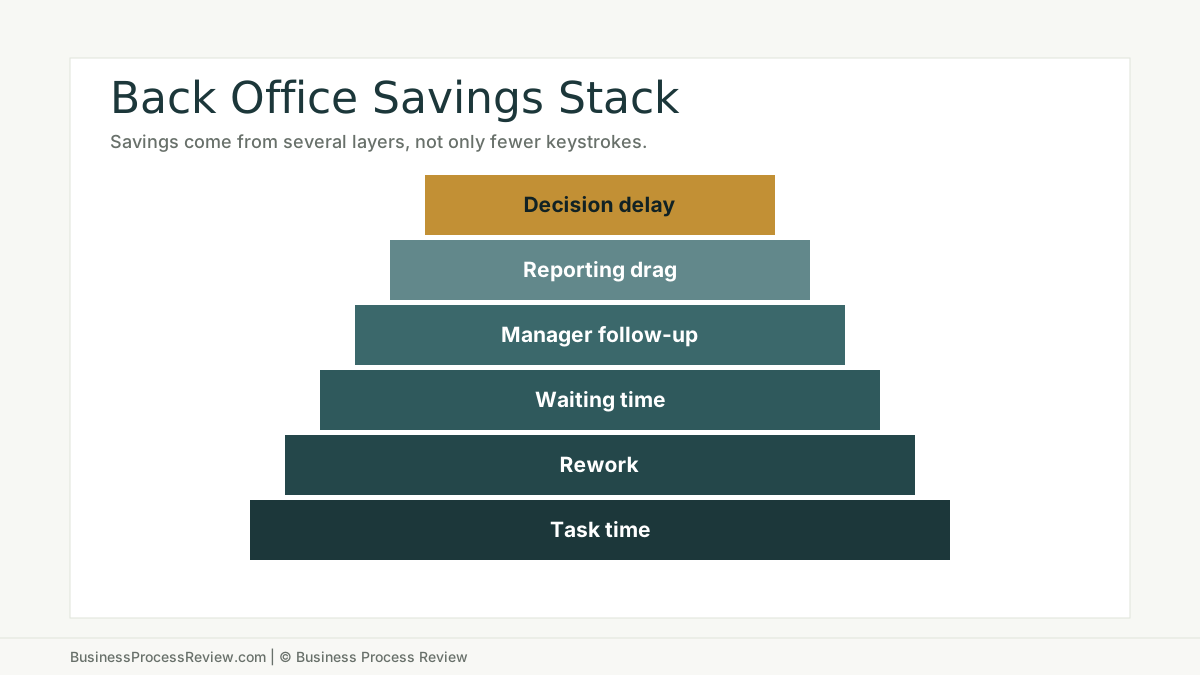
But the point is clear: repeated back-office work has a cost, especially when it creates rework, waiting, and manager follow-up.
This connects directly to the hidden cost of manual administrative work. Manual work is not only the minutes spent typing. It is the surrounding drag.
The best targets are narrow
Do not automate “operations.”
Automate a defined step inside a defined workflow.
Examples:
- check whether a new customer form is complete
- extract invoice fields for human review
- summarize candidate intake notes
- route service requests by category
- draft weekly project status from approved records
- flag missing documents
- prepare a first-pass report
- notify owners when a handoff is waiting
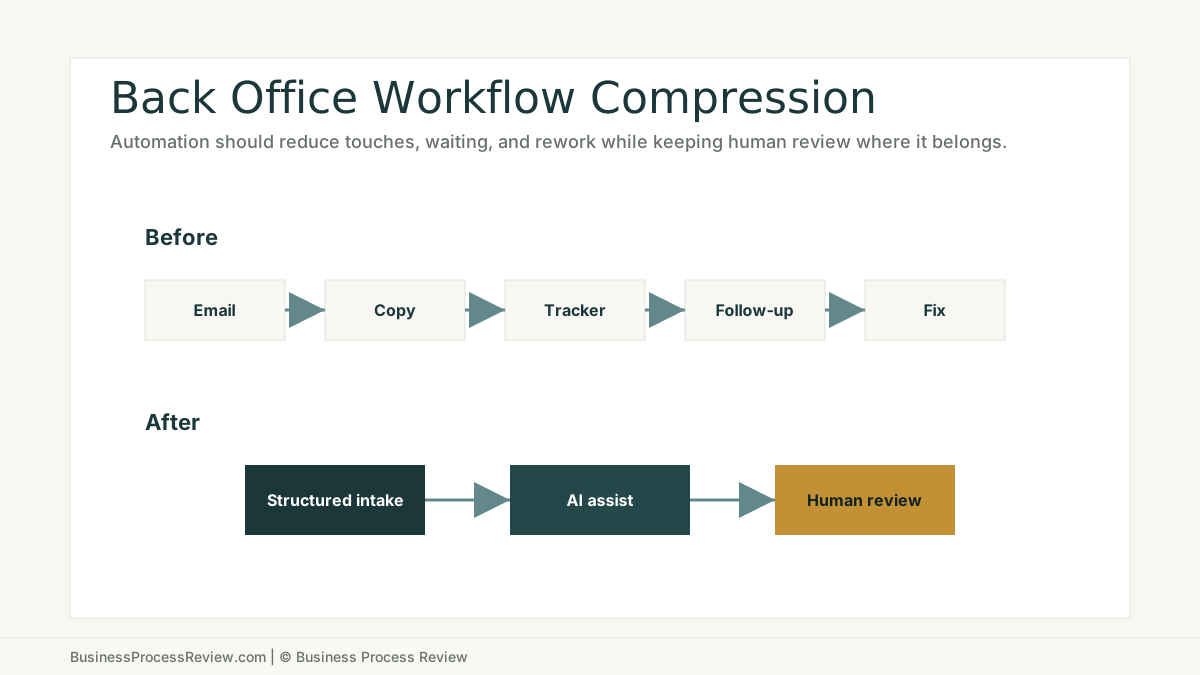
The boring target is often the better target because it repeats enough to matter.
What to review before automating
Before implementation, review:
- trigger
- intake fields
- source of truth
- systems involved
- people involved
- task volume
- minutes per task
- rework rate
- waiting time
- review requirements
- exception path
- owner
- success metric
If those are unclear, start with workflow redesign before automation.
Where AI fits
AI can support back-office workflows in several ways.
Classification
AI can categorize requests, documents, tickets, candidates, vendors, or customer messages.
Extraction
AI can pull fields from invoices, forms, resumes, notes, emails, and attachments.
Summarization
AI can create first-pass summaries for review.
Drafting
AI can draft internal updates, customer responses, report notes, and handoff messages.
Exception flagging
AI can identify missing information, unusual values, or cases that need human attention.
Where humans still belong
Back-office automation should not remove judgment where judgment is needed.
Keep humans in the workflow for:
- approvals
- exceptions
- sensitive customer issues
- financial decisions
- HR decisions
- compliance review
- final customer-facing output
- unusual cases
The right design is not “AI does everything.”
The right design is “AI handles the repeated admin work around the decision.”
When to bring in help
Bring in help when back-office work is slowing the business but no one has mapped the workflow.
Business Process Review can identify the manual work, calculate the rough cost, decide which workflow is ready, and build practical AI automation implementation only where it makes operational sense.
The best automations are often boring.
That is why they pay back.

About the Author
Will Gordon
Will Gordon is the founder of Business Process Review and Chief Technology Officer at Billfy. He works on workflow systems, automation, and partnerships in the ServiceNow ecosystem, with a focus on practical operational improvements for growing businesses.
Connect with Will on LinkedInFAQ
Common Questions
What is back office AI automation?
Back office AI automation uses AI and workflow automation to reduce repeated administrative work such as intake, routing, document review, data extraction, reporting, reconciliation, and status updates.
Why is back office automation often a good first AI use case?
Back-office work often has repeated volume, visible labor cost, structured documents, handoffs, and measurable cycle time. Those traits make it easier to scope and measure than vague AI strategy projects.
Which back-office tasks should not be automated?
Avoid automating unclear workflows, high-risk decisions without review, low-volume tasks, processes with unreliable data, and work that requires undocumented judgment.
How should an SMB choose a back-office AI automation target?
Start with task volume, labor cost, rework, delay, source-of-truth quality, owner clarity, and review requirements. Automate only the parts that are stable enough to maintain.
Should back-office AI automation start with a tool?
No. Start with a process review. The tool should follow the workflow diagnosis, not define it.