Employee AI Training
Shadow AI Is Already Inside Your Business. Now What?
Employees are already using AI at work. The practical response is not panic. It is visibility, workflow-specific rules, training, guardrails, and approved use cases.
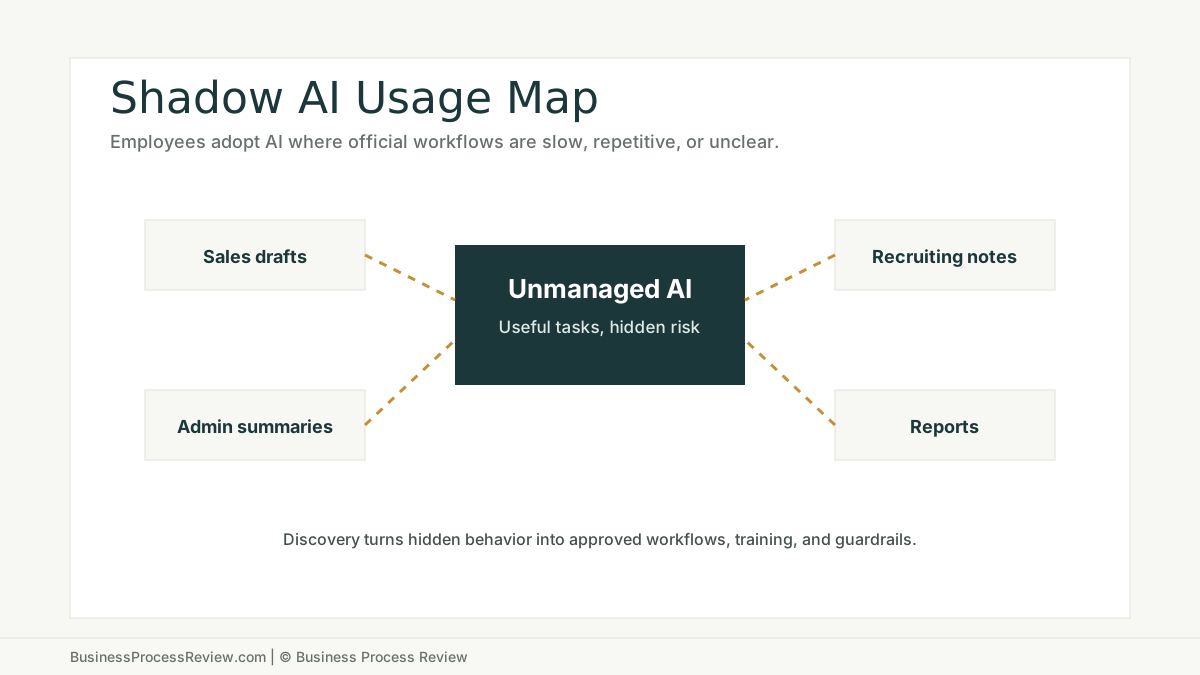
Your employees may already be using AI.
Not in a formal project.
Not through an approved workflow.
Not with a policy they can explain.
They are using personal accounts to summarize emails, rewrite proposals, draft responses, clean spreadsheets, interpret documents, write code, build reports, or prepare client notes.
That is shadow AI.
The short answer
Shadow AI is not only a security problem.
It is an operations signal.
It tells you:
- employees have repetitive work
- official systems are not solving the problem
- people want faster drafts and summaries
- workflows may lack good templates
- managers may not know where AI is already touching work
- the company needs guardrails before bad habits harden
The response should not be panic.
The response should be discovery, rules, training, and workflow design.
Shadow AI is a sign of real demand
The MIT NANDA State of AI in Business 2025 report describes a shadow AI economy where employees use personal AI tools for work tasks, often outside IT visibility. The report says workers from more than 90 percent of surveyed companies reported regular use of personal AI tools for work tasks.
Treat that number as research from one report, not a universal law.
But the behavior is real.
Employees reach for AI when the official process is slow, unclear, or repetitive.
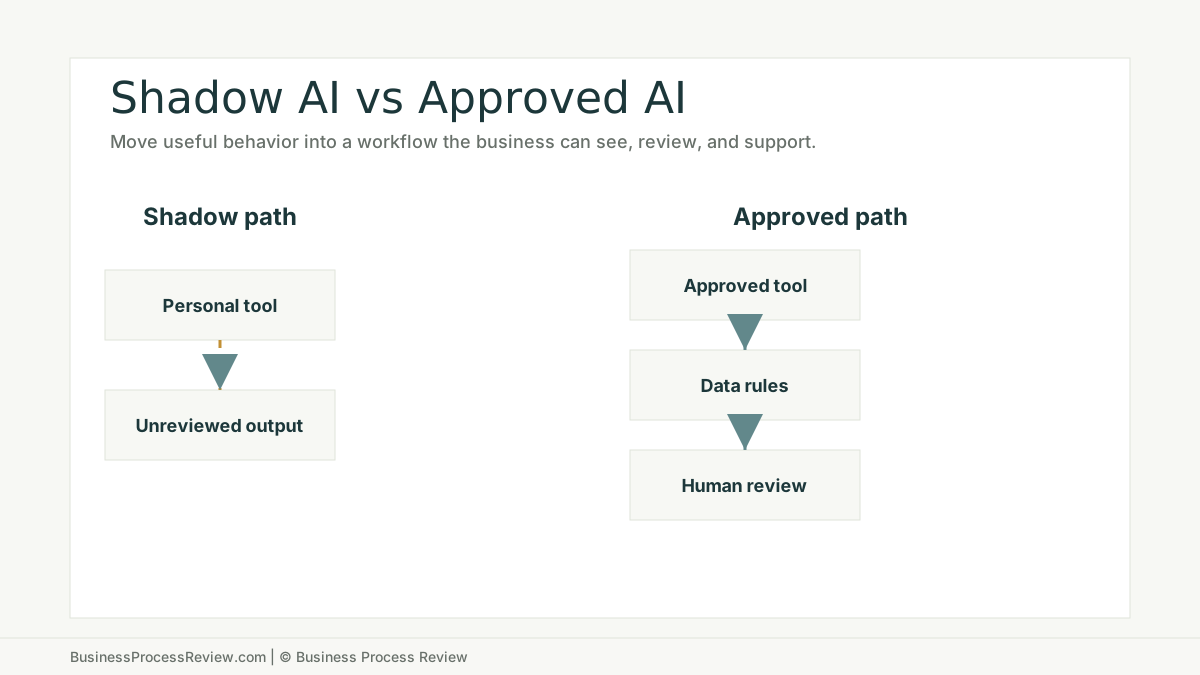
The risk is not the tool. The risk is unmanaged use.
Shadow AI creates risk when employees:
- paste sensitive customer data into unapproved tools
- use AI output without review
- create inconsistent customer responses
- rely on wrong summaries
- use old policy information
- draft legal, HR, financial, or compliance content without approval
- create work that no one can audit later
This does not mean every use case is dangerous.
It means the company needs rules that match the work.
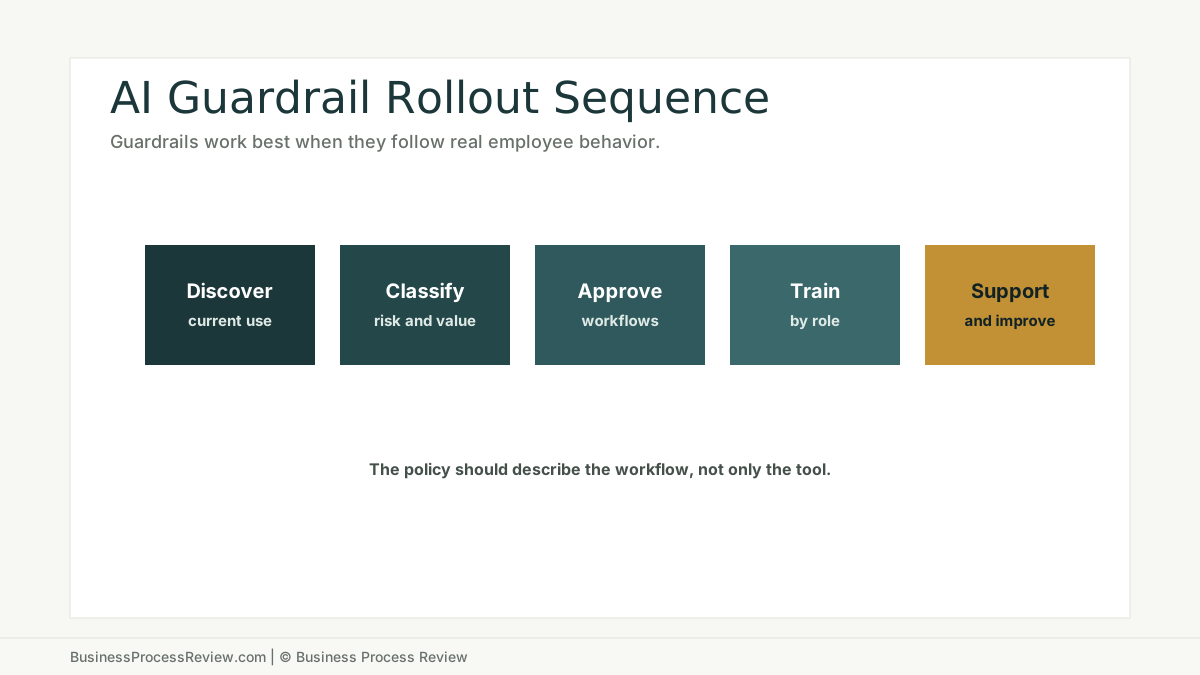
Start with discovery
Do not write a policy in a vacuum.
Ask employees what they already use AI for.
Good discovery questions:
- Which tasks do you use AI for?
- What tool do you use?
- What data do you paste into it?
- Do you review the output?
- What output saves the most time?
- What output is unreliable?
- What would you stop doing if the company gave you a safer workflow?
This is not a trap. If employees think discovery is a punishment, they will hide the behavior.
The goal is to find useful patterns.
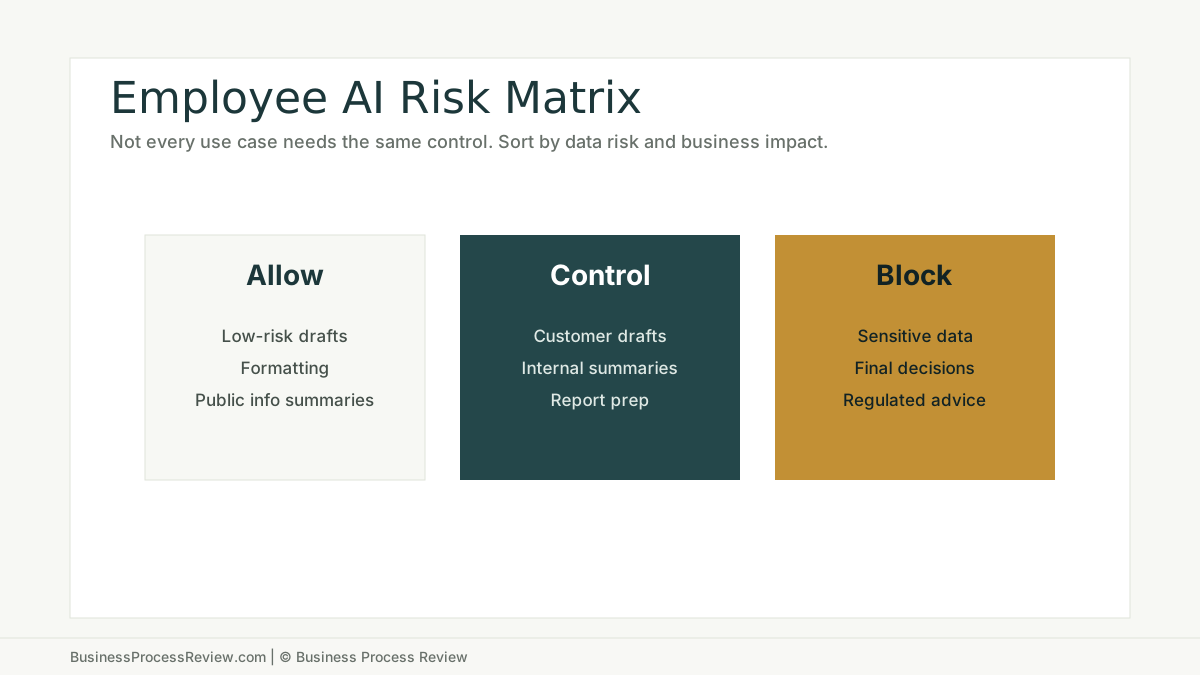
Sort use cases into three groups
Not every AI use case needs the same response.
Allow
Low-risk use cases may be allowed with basic rules.
Examples:
- rewriting internal notes
- brainstorming checklist items
- drafting non-sensitive templates
- summarizing public information
- improving formatting
Control
Medium-risk use cases may be allowed with approved tools, review, and data rules.
Examples:
- customer response drafts
- proposal language
- internal summaries
- job descriptions
- report drafts
- knowledge lookup
Block
High-risk use cases should be blocked or tightly controlled.
Examples:
- sensitive customer data in unapproved tools
- legal decisions
- HR decisions
- financial approvals
- medical or regulated advice
- final customer-facing claims without review
Build guardrails around workflows
Generic AI policies are easy to ignore.
Workflow-specific guardrails are more useful.
For each approved use case, define:
- allowed tool
- allowed data
- forbidden data
- required prompt or template
- review owner
- output standard
- exception path
- logging or documentation requirement
NIST’s AI Risk Management Framework is voluntary and broad, but the practical lesson for SMBs is simple: risk management needs defined roles, controls, monitoring, and improvement. That can be done without turning the company into a compliance department.
Train by role, not by tool
Employees do not need a generic AI tour.
They need role-specific training.
An office manager needs different rules than a recruiter, estimator, dispatcher, bookkeeper, sales assistant, or project coordinator.
Training should answer:
- what AI can help this role do
- what this role must never enter
- what outputs require review
- which workflows are approved
- how to report bad output
- where the source of truth lives
This is why employee AI training should be tied to real work. Training without workflow context turns into tips. Tips do not change operations.
Replace the best shadow AI use cases
The strongest shadow AI use cases should become official workflows.
Examples:
- approved customer response draft workflow
- internal knowledge assistant with source restrictions
- document summary workflow with human review
- recruiting intake summary with data rules
- invoice exception summary
- weekly report draft with source-of-truth links
This turns hidden behavior into managed process improvement.
It also prevents leadership from buying tools blindly. Employee behavior can show where the need already exists.
When to bring in help
Bring in help when AI use is already spreading but the business has no clear rules.
Business Process Review can identify current employee AI usage, sort use cases by risk and value, create practical guardrails, train employees, and connect approved uses to ongoing optimization and support.
The goal is not to stop every experiment.
The goal is to keep the useful work and remove the unmanaged risk.

About the Author
Will Gordon
Will Gordon is the founder of Business Process Review and Chief Technology Officer at Billfy. He works on workflow systems, automation, and partnerships in the ServiceNow ecosystem, with a focus on practical operational improvements for growing businesses.
Connect with Will on LinkedInFAQ
Common Questions
What is shadow AI?
Shadow AI is employee use of AI tools at work without formal approval, visibility, training, or governance from the business.
Is shadow AI always bad?
No. Shadow AI can reveal useful workflow needs. The risk is unmanaged use of sensitive data, inaccurate output, inconsistent work, and no review process.
How should a company respond to shadow AI?
Discover how employees are using AI, separate useful use cases from risky ones, set rules, train employees by role, and create approved workflows for high-value tasks.
Should a business ban employee AI use?
A full ban often fails if employees already find AI useful. The better response is usually clear rules, approved tools, data restrictions, review gates, and training.
Who should own employee AI guardrails?
Ownership should include operations, management, and technical support. AI guardrails affect workflow design, data handling, employee behavior, and business risk.